In short
- Spaces and rooms equivalent to Slack channels, with end-to-end encryption.
- An open network: you can run your own server and talk to others.
- Slack history is not easy to import, and there are fewer integrations.
It’s for you if…
- Your team values privacy and control over its data.
- You are a small team, an association or a community.
- You want to avoid the history limit on free plans.
Better pick something else if…
- You depend on many Slack integrations and automated workflows.
- Your team does not want to manage encryption keys or learn something new.
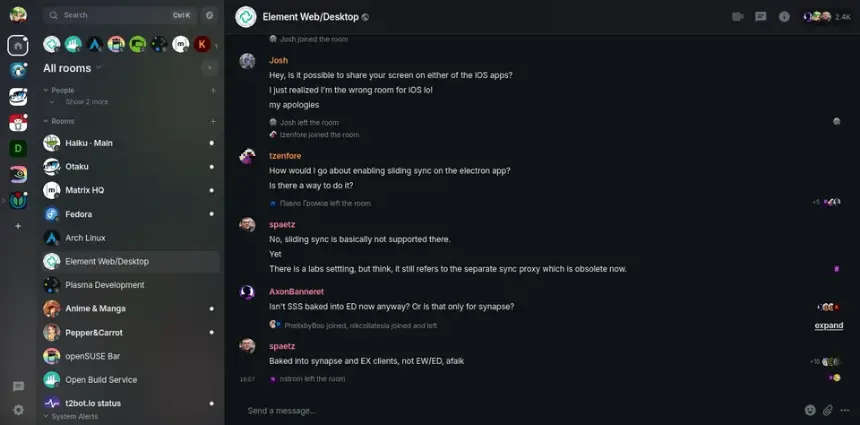
From Slack to Element: equivalents
| Slack | Element |
|---|---|
| Workspace | Space |
| Channel | Room |
| Thread | Thread |
| Direct message | Direct message |
| Huddle | Voice or video call in the room |
| Apps and integrations | Bots and bridges, fewer in number |
| Private channels | Encrypted private rooms |
| Administration | Space and server settings |
Step by step
Choose a server
To begin, you can create a free account on a public server such as matrix.org. If your team wants to control its data, it can install its own or pay for a managed one.
Keep your recovery key
Create your account and install Element. Set up your recovery key and store it in a password manager. Without it you can lose access to encrypted messages.
Export your Slack
Whoever administers the workspace can export data from Slack settings, depending on the plan. Keep the file for reference: Element does not import it directly.
Create the space and rooms
Create a space for your team and a room for each important channel. Start with a few: it is a good moment to tidy up what was not being used.
Invite your team
Send the invitation link and help each person store their recovery key. For phones, there is Element X.
Move what you need
Note down the integrations you use. Look for equivalent bots or use webhooks. For a while you can use a bridge between Slack and Matrix if needed.
Files and formats
There is no direct import of Slack channels or messages. Slack can export history as JSON, which is useful as a reference archive. Shared documents must be downloaded and uploaded again, or stored elsewhere. Bridges exist to connect Slack and Matrix during a transition, although they require technical setup.
What you won’t find
- No direct import of Slack history.
- Far fewer integrations than Slack.
- Managing encryption keys takes some care.
Tips
- Try it first with one room and a small group before moving the whole team.
- If you want something closer to Slack and do not need encryption, look at Mattermost or Zulip.
- Pin a message in each room with its rules and important links.
Frequently asked questions
Can I bring my Slack messages?
Not directly. You can export them from Slack to read them, but they will not appear in Element without technical tools.
Do I have to run my own server?
No. You can use a public one. Running your own is only necessary if you want to control your data.
What if I lose my recovery key?
You can lose access to older encrypted messages. That is why it should be kept in a password manager.
Independent: we have no commercial relationship, sponsorship or affiliation with Slack or with these alternatives, and nobody pays us to recommend them. Links go to their official websites and are not affiliate links; the site is funded only by Google AdSense ads, which don't influence the selection. Learn more.