Quick comparison: 5 free alternatives to WinZip
| Alternative | Price | Platforms | Use |
|---|---|---|---|
| 7-Zip Top pick | Open Source | WindowsmacOSLinux | Offline |
| PeaZip | Open Source | WindowsLinux | Offline |
| NanaZip | Open Source | Windows | Offline |
| Bandizip | Freemium | WindowsmacOS | Offline |
| The Unarchiver | 100% Free | macOS | Offline |
Step-by-step guide: how to switch from WinZip to PeaZip
Can’t decide? Take the 4-question quiz and we’ll tell you which one suits you
A closer look at each alternative
-
1. 7-Zip
Top pickOpen SourceOfflineWindowsmacOSLinux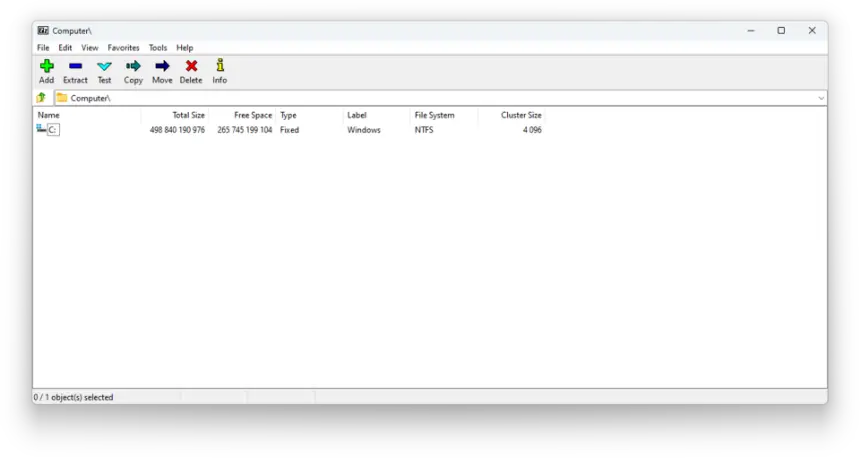
Screenshot: Igor Pavlov · LGPL · resized - Price
- Free and open source.
- Download
- Download the installer from the official site; works offline.
- Why it stands out
- Compresses and extracts ZIP, 7z and more, opens RAR and is very light; no ads or trial period.
Link checked on November 5, 2026
Was it useful? -
2. PeaZip
Open SourceOfflineWindowsLinux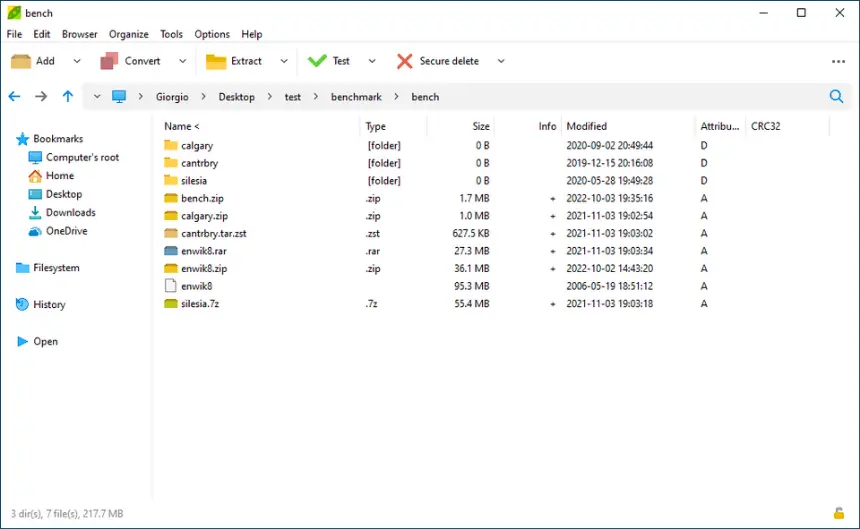
Screenshot: Giorgio Tani · CC BY-SA 3.0 · resized - Price
- Free and open source.
- Download
- Download the installer from the official site; works offline.
- Why it stands out
- A friendly explorer-style interface, more than 200 formats and advanced encryption.
Link checked on November 5, 2026
Was it useful? -
3. NanaZip
Open SourceOfflineWindows- Price
- Free and open source.
- Download
- Download the installer from the official site; works offline.
- Why it stands out
- A modern take on 7-Zip for Windows 10 and 11, built into the right-click menu.
Link checked on November 5, 2026
Was it useful? -
4. Bandizip
FreemiumOfflineWindowsmacOS- Price
- Free, with optional paid extras.
- Download
- Download the installer from the official site; works offline.
- Why it stands out
- Fast and simple, with archive previews; advanced features are paid.
Link checked on November 5, 2026
Was it useful? -
5. The Unarchiver
100% FreeOfflinemacOS- Price
- Free, no paid plans.
- Download
- Download the installer from the official site; works offline.
- Why it stands out
- On Mac, opens ZIP, RAR, 7z and many other formats with a double click.
Link checked on November 5, 2026
Was it useful?
Tip for students: Windows 11 already opens ZIP, 7z and RAR files without installing anything; to compress with a password, use 7-Zip.
Independent: we have no commercial relationship, sponsorship or affiliation with WinZip or with these alternatives, and nobody pays us to recommend them. Links go to their official websites and are not affiliate links; the site is funded only by Google AdSense ads, which don't influence the selection. Learn more.
Frequently asked questions about alternatives to WinZip
What is the best free alternative to WinZip?
Our first pick is 7-Zip. Compresses and extracts ZIP, 7z and more, opens RAR and is very light; no ads or trial period. PeaZip and NanaZip are also worth trying. The best one for you depends on the features you use most.
Are there open source alternatives to WinZip?
Yes: 7-Zip, PeaZip and NanaZip are open source: free, licence-free and with code anyone can inspect.
Which alternatives to WinZip work offline?
7-Zip, PeaZip, NanaZip, Bandizip and The Unarchiver install on your computer and work without a connection.
Which alternatives to WinZip are there for Mac and Linux?
7-Zip runs on both macOS and Linux.
More free alternatives
- Alternatives to Adobe Acrobat Pro
- Alternatives to WinRAR
- Alternatives to Norton 360
- Alternatives to NordVPN
- Alternatives to Internet Download Manager
- Alternatives to Windows
Also featured in: File compression